
Cool Swift Feature - Overloaded and Custom Operators
Operator Overloading
In Swift, you can overload operators.
Meaning that you can take operators like +, - * / and define their behavior for new types of data.
Here's a quick example. In Swift, adding 2 arrays like this will result in the concatenation of the arrays.
print( [1, 5] + [4, 5] )

Output: [1, 5, 4, 5]
Which is super reasonable... Unlike some other languages... Looking at you Javascript
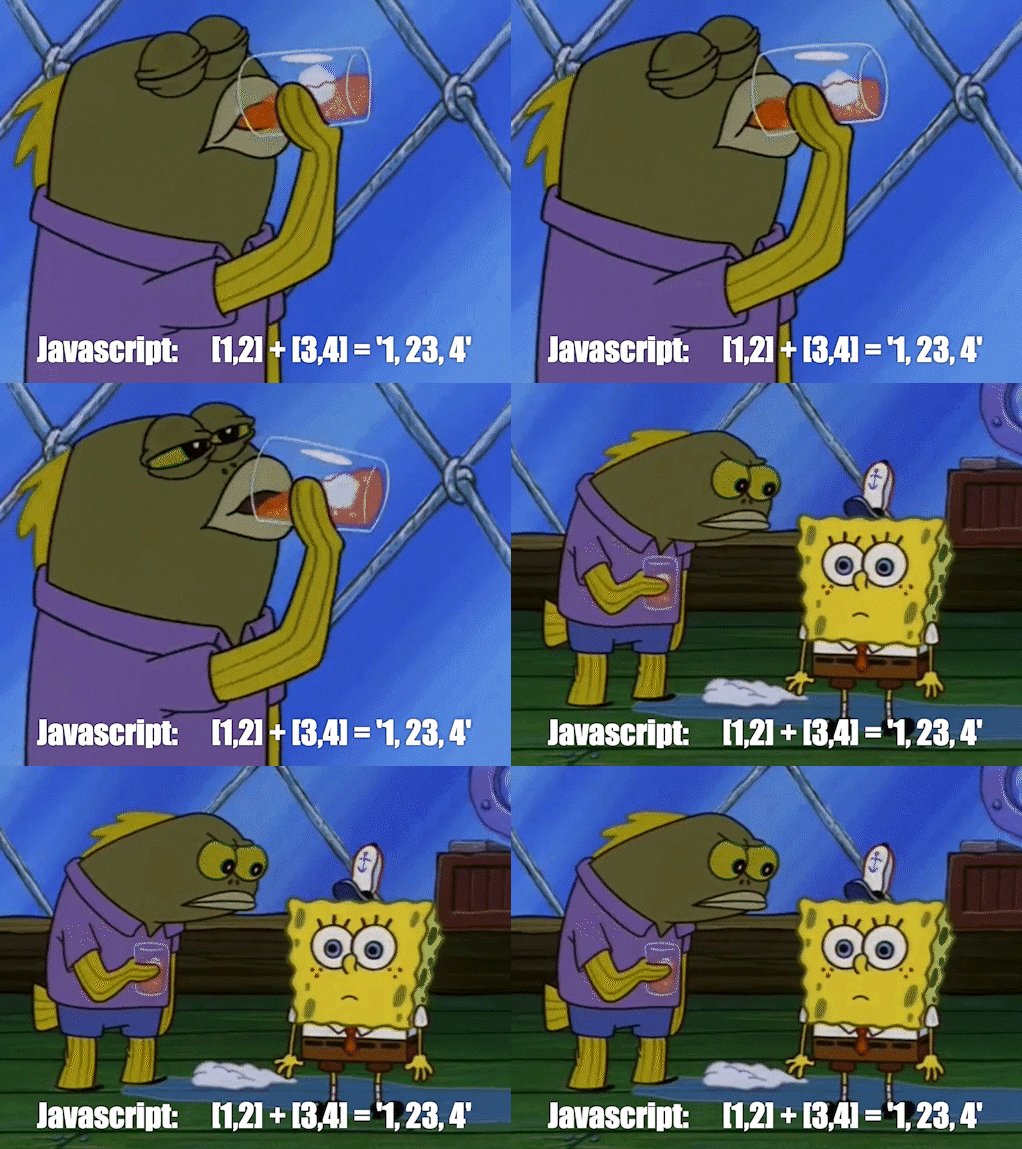
If you're used to Python, you might have expected vector addition. We can overload the + operator to add each item together.
// The original "not what we're looking for" way
var x:[Int] = [1,2,3]
var y:[Int] = [4,5,6]
print(x + y) // outputs: [1, 2, 3, 4, 5, 6]

// Overload the + operator
func +(left:[Int], right:[Int]) -> [Int] {
    var sum = [Int]()
    for (key, _) in left.enumerated() {
      sum.append(left[key] + right[key])
    }
    return sum
}
Now we see different results.
x = [1,2,3]
y = [4,5,6]
print(x + y) // outputs: [5, 7, 9]
You can do this with any type of object.
But it doesn't stop there. You can even create your own operators!
More information can be found in the Language Guide under Advanced Operators.
Custom Operators
Step 1 - Choose a type Unary prefix or postfix, binary infix, or ternary?
Step 2 - Choose what it looks like.
Your operator can start with /, =, -, +, !, *, %, <, >, &, |, ^, ~ or almost any Unicode character (not emojis 😭There goes my eggplant joke 🍆)
Step 3 - Write the function.
infix operator >?< : RangeFormationPrecedence

func >?<(left:Int, right:Int) -> Int {

    return Int.random(in: left..<right)

}

print(1 >?< 100) // outputs: random number between 1 and 100
Pretty rad.
That's all for now. I don't know how to sign off in these blog posts yet...
Later!